
O-Key AI home page
The home page is the first workspace after you sign in to https://crm.o-key.ai. It gives quick access to the most important parts of O-Key AI.
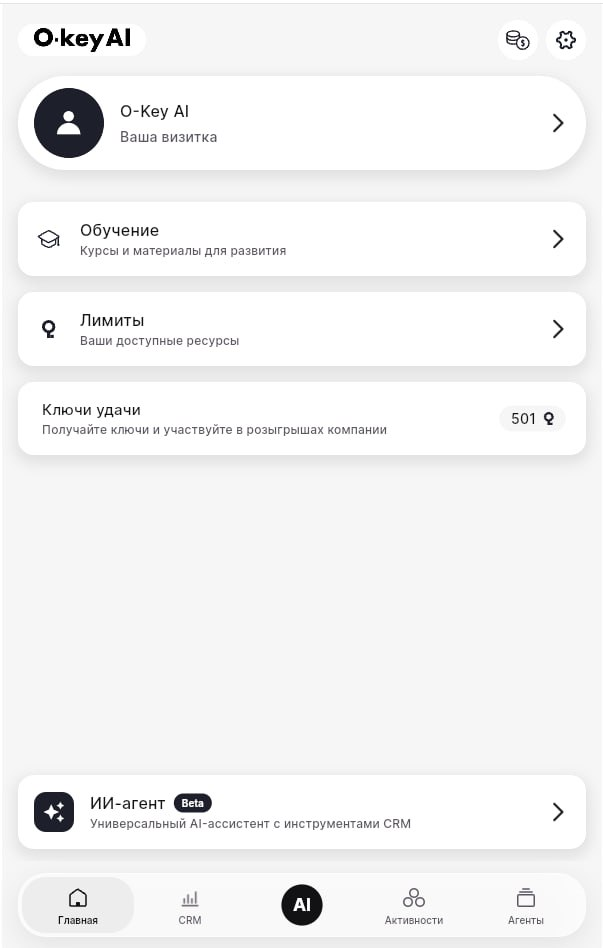
Main blocks
Section titled “Main blocks”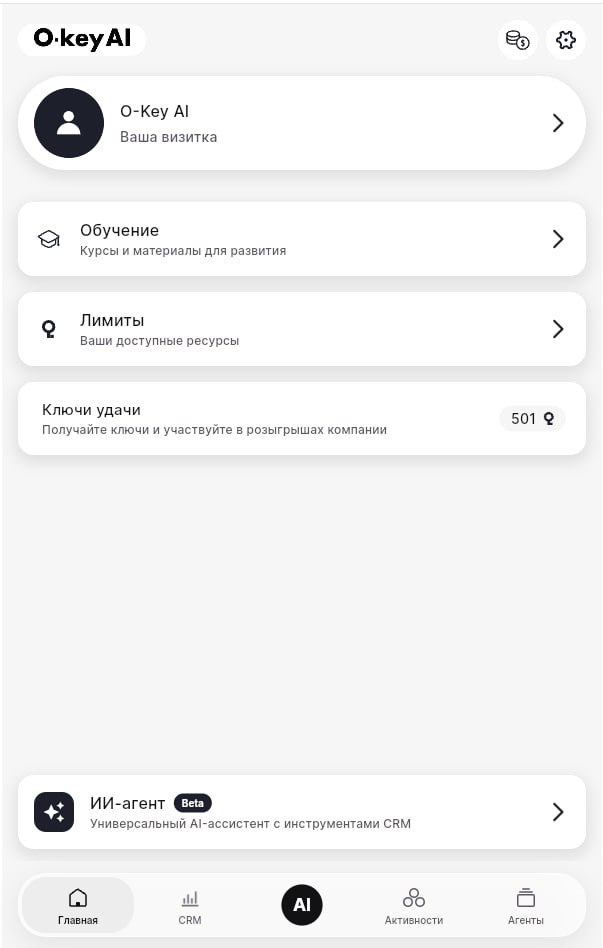
| Block | What it is for |
|---|---|
| O-Key AI / your card | Configure your digital card, links, contacts, and presentation. |
| Learning | Open courses, lessons, and training materials. |
| Limits | Check resources available in your current plan. |
| Luck keys | View bonus keys and campaigns when they are available. |
| AI agent | Open or create AI assistants. |
Bottom navigation
Section titled “Bottom navigation”Use the bottom menu to move between Home, CRM, Activities, and Agents. If you get lost, return to Home and choose the needed block again.
Recommended first steps
Section titled “Recommended first steps”- Check your plan and limits.
- Fill in your digital card or personal information.
- Open Learning and review onboarding materials.
- Create or configure an AI assistant when you are ready.